IDX Website Checklist: 15 Things to Audit Before You Launch
Websites · Checklist
For: brokers & agents Read: ~10 min Topic: IDX website launch Updated:
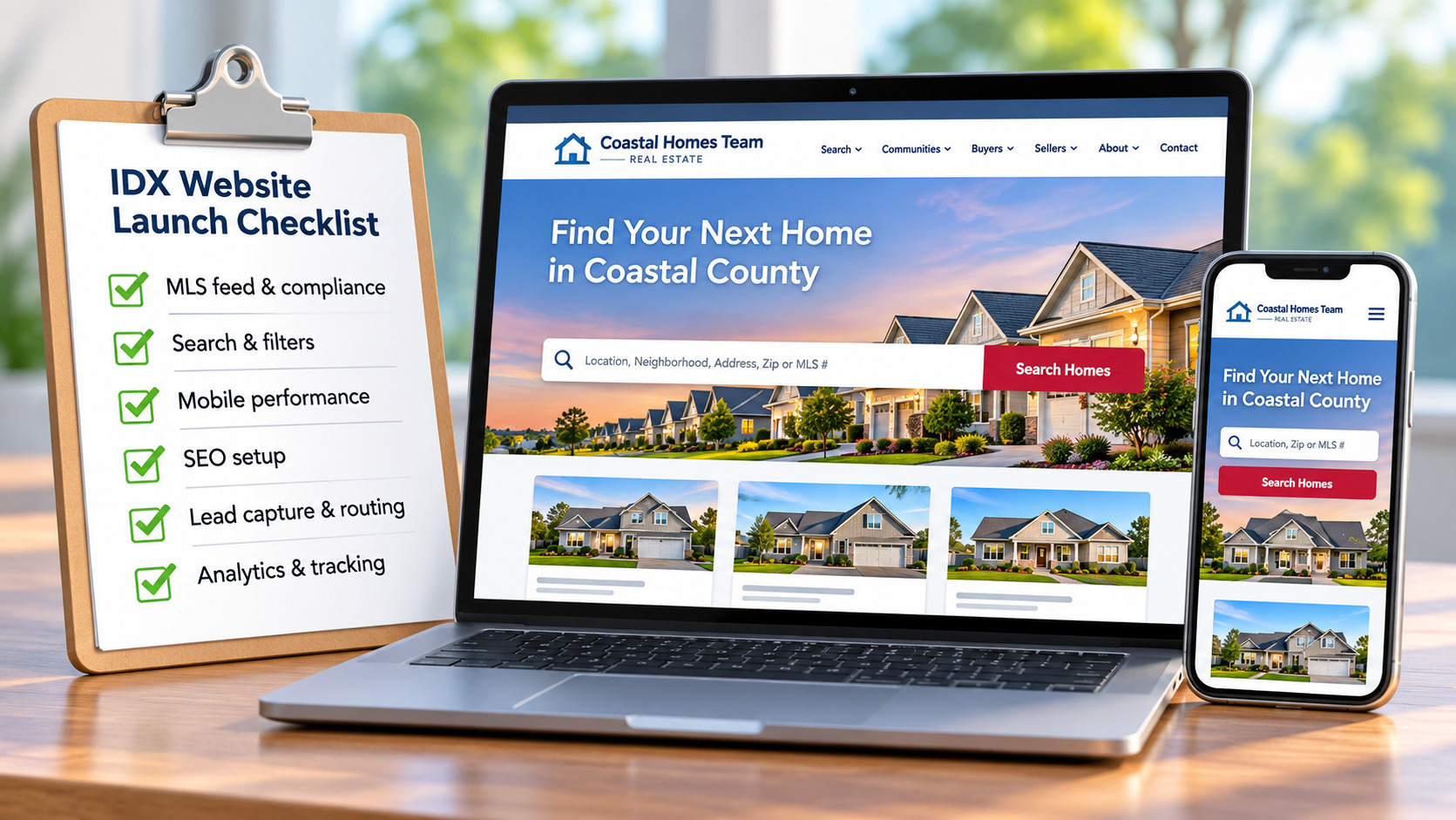
The expensive launch mistakes don’t announce themselves. A broken filter, a missing redirect, or a lead form that goes nowhere quietly costs you leads and rankings until someone notices. This checklist covers how to catch each one before go-live. For the bigger picture, see our guide to IDX websites, start to finish.
What’s on the IDX website launch checklist?
| # | Check | Area | Quick test |
|---|---|---|---|
| 1 | The MLS feed is connected and complete | MLS feed and compliance | Compare active listings with the MLS |
| 2 | Listing displays meet your MLS’s rules | MLS feed and compliance | Check attribution, MLS source and disclaimer |
| 3 | Ineligible listings and opt-outs are handled | MLS feed and compliance | Confirm prohibited statuses don’t appear |
| 4 | Every common search filter returns results | Search and mobile | Run your buyers’ real searches |
| 5 | Pages load fast on real phones | Search and mobile | Test on cellular and in PageSpeed Insights |
| 6 | The whole flow works with a thumb | Search and mobile | Search, save and register on a phone |
| 7 | Titles, meta descriptions, and URLs are set | SEO | Review key pages for unique titles |
| 8 | Structured data is in place | SEO | Run the Rich Results Test |
| 9 | Search engines can crawl and index the site | SEO | Check for noindex and submit the sitemap |
| 10 | Redirects are mapped from the old site | SEO | 301 every old URL that matters |
| 11 | Priority community pages are live | SEO | No “coming soon” pages |
| 12 | Registration prompts behave the way you intend | Lead capture | Browse as a new visitor |
| 13 | A test lead reaches your CRM and the right person | Lead capture | Register a test buyer and seller |
| 14 | Saved-search alerts send and link back to your site | Lead capture | Check the alert email on a phone |
| 15 | Analytics and Search Console are installed and verified | Measurement | Confirm conversions are tracked |
What are the steps to build an IDX website?
If you’re earlier in the process, here’s the full build sequence. The checklist is step 7.
- Define your market and audience. Choose the areas, price bands, and buyer and seller types the site should serve. This drives your search defaults and your community pages.
- Choose your platform. Decide between a purpose-built IDX platform, a WordPress site with an IDX plugin, or custom development. Our comparison of WordPress with IDX vs. a purpose-built platform walks through the trade-offs. Bring a list of features to confirm before you sign.
- Get IDX approval. IDX is a broker-level permission. Agents typically need their broker’s consent, and many MLSs require a signed license agreement before a site can receive the feed.
- Set up your domain and hosting. On a purpose-built platform this is often handled for you. Sierra, for example, hosts the site and manages DNS.
- Configure design and search. Pick a template, set up your branding, and set search defaults for your market.
- Publish core pages and content. That means your homepage, about page, home valuation page, priority community pages, and a first set of blog posts.
- Run the pre-launch audit below.
- Launch and monitor. Re-run the SEO and lead-routing checks on the live domain, then watch Search Console and lead flow closely for the first few weeks.
How do you check the MLS feed and compliance?
1. The MLS feed is connected and complete
How to check: Search your market and compare a handful of active listings with the MLS: price, status, photos, and key fields.
What failure looks like: Missing listings, stale prices, or a property type your buyers search for that doesn’t appear. Sold data depends on your MLS, so confirm what yours provides before you promise it.
2. Listing displays meet your MLS’s rules
How to check: Open several listing pages and confirm each shows the listing brokerage, identifies the MLS as the source, and carries the disclaimer your MLS requires. Confirm your own brokerage name is clearly visible. (Background: IDX display rules.)
What failure looks like: Missing attribution. That’s an MLS compliance problem, not just a design one.
3. Ineligible listings and opt-outs are handled
How to check: Confirm statuses your MLS prohibits from IDX display don’t appear. In many MLSs those include expired, canceled, withdrawn, and coming-soon listings. Also confirm seller requests to withhold an address are honored.
What failure looks like: An expired listing on a public page, or a withheld address showing anyway.
How do you test search and mobile performance?
4. Every common search filter returns results
How to check: Run the searches your buyers actually make: price ranges, beds and baths, property types, your top neighborhoods, school-based searches, and map searches. Try combinations, too.
What failure looks like: Empty results pages, filters that do nothing, or map pins that don’t match the list.
5. Pages load fast on real phones
How to check: Load the homepage, a search results page, a listing page, and a community page on your own phone over a cellular connection, not office Wi-Fi. Run the same pages through Google’s PageSpeed Insights.
What failure looks like: Slow photo galleries, layout jumps while the page loads, or maps that freeze.
6. The whole flow works with a thumb
How to check: On a phone, search, filter, open a listing, scroll the photos, save a search, and register.
What failure looks like: Tiny tap targets, pop-ups you can’t close, or forms that hide the submit button behind the keyboard.
What SEO checks matter before launch?
7. Titles, meta descriptions, and URLs are set
How to check: Review the homepage, key community pages, the home valuation page, and blog posts. Each needs a unique title and description, and a clean, readable URL.
What failure looks like: Duplicate titles across pages, or placeholder text from the template.
8. Structured data is in place
How to check: Run key page types through Google’s Rich Results Test and the Schema Markup Validator.
What failure looks like: Errors, or no structured data at all on page types that should have it.
9. Search engines can crawl and index the site
How to check: Confirm the site isn’t still blocking search engines from its staging setup. Look for a “noindex” tag or a blocking robots.txt, and check that canonical tags point to your live domain, not a staging URL. Confirm an XML sitemap exists, including property pages, and submit it in Google Search Console. More in technical SEO for IDX sites.
What failure looks like: A beautiful site that Google can’t index. This is one of the most common launch mistakes.
10. Redirects are mapped from the old site
How to check: If you’re replacing an existing site, every old URL that had traffic, rankings, or backlinks should 301-redirect to its closest new equivalent. Details are in the redirect section below.
What failure looks like: Old URLs returning 404 errors, and rankings you spent years earning disappearing within weeks.
11. Priority community pages are live
How to check: Your most important neighborhoods each have a published community page with live listings and original content, not “coming soon.”
What failure looks like: Launching with listings only and no local content. The site has nothing to rank for beyond your name.
How do you test lead capture and routing?
12. Registration prompts behave the way you intend
How to check: Browse as a new visitor and note when the registration prompt appears. Then try it again on a phone.
What failure looks like: A prompt on the first page view that drives people off, or no prompt at all.
13. A test lead reaches your CRM and the right person
How to check: Register as a test buyer, view a few listings, and save a search. Then submit a home valuation request as a test seller. Confirm both arrive in your connected CRM with source and activity attached, get routed to the right agent, and trigger the follow-up you’ve set up.
What failure looks like: Leads that land in an inbox nobody watches, arrive without activity, or go to the wrong agent.
14. Saved-search alerts send and link back to your site
How to check: Using your test buyer, confirm the alert email arrives, looks right on a phone, and links to listings on your domain.
What failure looks like: Alerts going to spam, broken links, or links that send buyers somewhere else.
How do you make sure you can measure results?
15. Analytics and Search Console are installed and verified
How to check: Confirm analytics records visits, and that registrations and valuation requests are tracked as conversions. Verify the domain in Google Search Console.
What failure looks like: Launching blind. If you can’t see what’s working from day one, you can’t improve it.
How do you map redirects from an old real estate website?
If the new site replaces an old one, redirects are what carry your existing rankings and backlinks over. Skipping them is the costliest launch mistake on this list.
- Export every old URL. Pull URLs from your old sitemap, a site crawl, Google Search Console’s performance and pages reports, and your analytics landing-page report. Together, those catch pages that a single source misses.
- Flag the pages that matter. These are pages with organic traffic, rankings, or backlinks. They get the most careful matches.
- Map each old URL to its closest new equivalent. That means community page to community page, blog post to blog post. Use the homepage only when nothing else fits.
- Use permanent (301) redirects, not temporary (302) ones, and avoid chains where one redirect points to another.
- Update internal links so they point straight to the new URLs instead of relying on redirects.
- Test after launch. Spot-check old URLs on the live domain, then watch Search Console’s page indexing report for spikes in “not found” errors over the following weeks.
Old listing detail pages are a special case. Listings expire, so redirect those URLs to the matching community or search page rather than trying to match one-to-one.
What should you watch in the first 30 days after launch?
Launch day is the start of the audit, not the end of it. In the first month, a few checks catch the problems that only show up once real visitors and search engines arrive.
- Week 1: Re-run items 9, 10, and 13 on the live domain. Confirm the site is indexable, spot-check redirects, and send one more test lead through to the CRM. These are the checks most likely to break when a site moves from staging to production.
- Weeks 1–2: Watch Search Console daily. Look for crawl errors, “not found” spikes from old URLs, and whether your sitemap’s pages are being discovered and indexed.
- Weeks 2–4: Review where leads come from. Check which pages produce registrations and valuation requests, and which get traffic but no conversions. A high-traffic community page with no registrations usually needs a clearer next step, like a saved-search prompt or a listing alert offer.
- Ongoing: Keep publishing. Add community pages for the next tier of neighborhoods and post regular local market updates. Build Idaho, a Boise team on Sierra, pairs evergreen community and market pages with monthly market-update posts. Its team leader, Trey Langford, describes the result this way: “We do zero PPC, zero Zillow, zero HomeLight. All our leads are organic.”
Treat the checklist as something you return to. Run it again after any major change, such as a redesign, a new MLS feed, or a new lead-routing setup.
Frequently asked questions about launching an IDX website
What should I check before launching an IDX website?
Check five areas: the MLS feed and compliance, search and mobile performance, SEO basics and redirects, lead capture and routing, and analytics. A test registration that lands in your CRM and reaches the right agent is the single most important check.
When should I run the pre-launch checklist?
Run it once on staging before launch day, and again right after the site goes live, because some problems, like redirects and indexing settings, only show up on the live domain.
Do I need redirects if I’m replacing an old real estate website?
Yes, if the old site had pages that ranked or earned links. Map each old URL to its closest new equivalent with a permanent (301) redirect so existing rankings and links carry over.
What are the steps to build an IDX website?
Define your market and audience, choose a platform, get IDX approval through your brokerage and MLS, set up your domain, configure design and search, publish core pages and community content, run a pre-launch audit, then launch and monitor.
What usually goes wrong at launch?
The most common launch problems are a search-engine block left over from staging, missing redirects, test leads that never reach the CRM, and search filters that return empty results on mobile.
Author

Next Post
Sierra Partners with REAL Brokerage
Related Posts

Real Estate Website
The Best IDX Website Platforms for Real Estate...

Real Estate Website
Real Estate Community Pages: How to Build Neighborhood...

Real Estate Website
SEO for Real Estate Websites: How to Rank...

Real Estate Website