10 IDX Real Estate Website Features That Drive Leads (and How to Test Each One)
Websites · Deep dive
For: brokers & agents Read: ~10 min Topic: IDX website features Updated:
Most feature lists stop at the name. This one gives you three things for each feature: what “good” looks like, how to test it in a vendor demo, and the red flags that predict regret. If you’re still getting oriented, start with the full guide to IDX websites.
What are the 10 IDX website features at a glance?
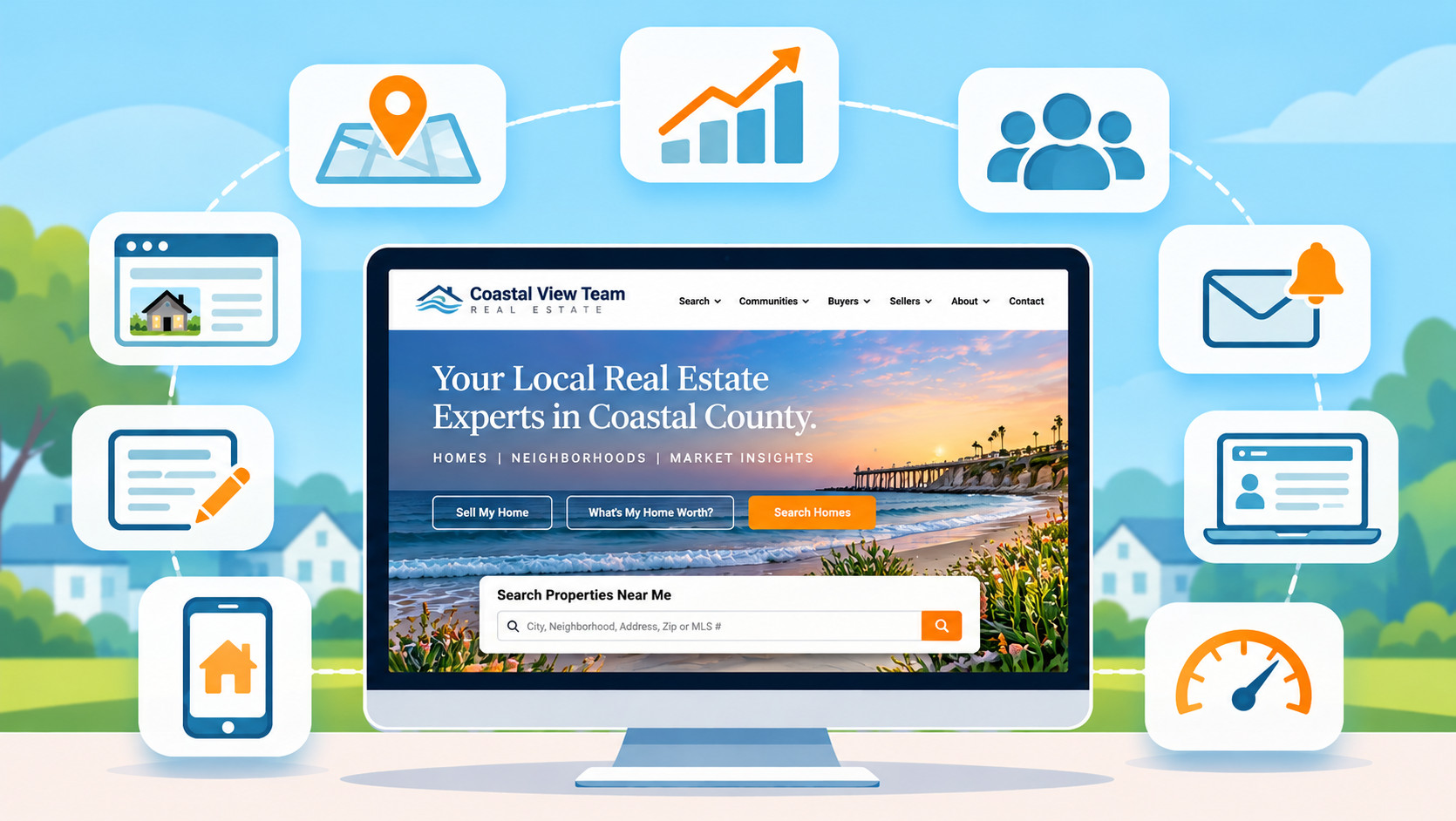
| Feature | Why it matters | Quick demo test |
|---|---|---|
| 1. MLS search | Search is why most visitors come to your site | Search your own market live, then repeat it on a phone |
| 2. Lead capture | Turns anonymous visitors into contacts without feeling like a paywall | Change the registration trigger while you watch |
| 3. Community pages | How IDX sites win long-tail local searches | Build a page for a neighborhood you name, during the call |
| 4. SEO controls | Decides whether pages can rank | Edit a community page’s title tag and URL live |
| 5. Mobile speed | Phone browsers leave slow sites | Load a live customer site on your own phone |
| 6. Saved searches and alerts | Turns one visit into a relationship | Save a search and see the alert email |
| 7. Seller tools | Listing leads are often worth more | Submit a test valuation and see where it lands |
| 8. Blog and content | Local content builds authority | Publish a short post and link it to a community page |
| 9. Multi-site support | Teams need agent pages and niche sites | Create an agent subsite and check lead routing |
| 10. CRM integration | Decides whether leads get worked | Register as a test lead and open the CRM record |
1. Is the MLS search fast, accurate, and complete?
Search is the reason most visitors come to your site. If it’s slower or clumsier than the portals buyers already use, they leave.
What good looks like: Results load quickly. Filters cover the fields your MLS provides, so a buyer can search on pools, subdivision names, or other local fields if your MLS supplies them. Visitors can search in more than one way: by map, by address or neighborhood, by school, or by keyword. Listings show full photo sets and the details buyers care about. Sierra’s version is IntelliSearch, which it describes as “smarter property search, stronger SEO.”
How to test it in a demo: Ask the vendor to search your own market live, using a filter specific to your MLS. Then open the same search on a phone. Ask what happens when your MLS adds a new field. Some vendors can request it be added to your site, but no vendor can add fields your MLS doesn’t supply. (For the mechanics, see how the MLS feed reaches your site.)
Red flags: A demo that only shows a sample market. A search that sends visitors off your domain. Vague answers about refresh timing.
2. Can you control how and when lead capture appears?
Registration is where an anonymous visitor becomes a contact. Done badly, it feels like a paywall.
What good looks like: You decide when the registration prompt appears: after a set number of listing views, when someone saves a search, or when they ask to see more photos. You can make it required or skippable, and you can adjust it by page type. Forms are short and work on mobile.
How to test it in a demo: Ask the vendor to change the registration trigger while you watch, then register as a test lead and see what information gets captured.
Red flags: A single on/off switch. A form that asks for more than a buyer will give at first contact. Settings that only the vendor’s support team can change.
3. Can you build community pages at scale without the vendor?
Community pages, meaning one page per neighborhood, subdivision, or sub-market, are how IDX sites win the long tail of local search. They pair live listings for an area with original local content and market data.
What good looks like: You can create a community page yourself in minutes. Each page combines a live listing feed for that area with editable content, market stats, and its own SEO fields. The plan includes enough pages to cover your market. On Sierra, for example, the Essential 1.0 and Growth plans include unlimited community pages.
How to test it in a demo: Ask the vendor to build a community page for a neighborhood you name, from scratch, during the call. (For strategy, see our guide to building community pages that rank.)
Red flags: Each new page requires a support ticket. Pages are templated listing grids with no room for original content. There’s a low cap on the number of pages.
4. Do you get real SEO controls on every page type?
“SEO-friendly” is easy to claim. Control is what matters.
What good looks like: You can edit the title tag, meta description, URL, and headings on listing pages, community pages, and blog posts. Structured data is in place on key page types. The platform generates an XML sitemap for property pages and handles duplicate listing content, since the same MLS listings appear on many sites. More on that in how IDX sites earn search rankings.
How to test it in a demo: Pick a community page and ask the vendor to change its title tag and URL while you watch. Ask how listing pages are kept from being treated as copies of the same listing on other sites.
Red flags: SEO fields that exist only on the homepage. No clear answer on duplicate content. URLs you can’t change.
5. Is the site fast and fully usable on a phone?
Many buyers browse on a phone. A slow or awkward mobile experience loses them before any other feature matters. Speed also affects rankings.
What good looks like: Pages load quickly on a phone over a normal cellular connection, not just on office Wi-Fi. Search filters, maps, photo galleries, and registration forms all work with a thumb.
How to test it in a demo: Ask for a live customer site in a market like yours and load it on your own phone during the call. Run a search, open a listing, and try to register.
Red flags: The vendor only demos on a desktop. A “mobile version” that hides features. Photo galleries that stall.
6. Do saved searches and listing alerts bring buyers back?
Saved searches turn one visit into an ongoing relationship. Buyers come back each time a new home matches what they want.
What good looks like: Buyers can save any search in one step. Alerts go out automatically when new listings match. Saved searches can also become public, indexable pages. Build Idaho, a Boise team on Sierra, names its saved-search pages with a “[Subdivision Name] + [City] + [State]” formula. Team leader Trey Langford went back and optimized all 8,800 of them.
How to test it in a demo: Save a search as a test buyer and ask what the alert email looks like and how often it sends. Ask whether you can set up saved searches on a lead’s behalf.
Red flags: Alerts that link back to a portal instead of your site. No control over frequency. Saved searches that live only inside the buyer’s account.
7. Do the seller tools generate listing leads?
Buyer search gets most of the attention, but listing leads are often worth more. A home valuation tool gives homeowners a reason to hand over their address.
What good looks like: A home valuation page captures the owner’s address and contact details and routes them to your CRM as a seller lead, tagged as such. Your follow-up starts from a real address, not a guess.
How to test it in a demo: Submit a test valuation request with a real address in your market. Then ask the vendor to show you where it lands and how it’s labeled.
Red flags: A valuation widget that shows an estimate but captures nothing. Seller leads that arrive mixed in with buyer leads.
8. Can you publish and manage content easily?
Local content is what builds authority: market updates, neighborhood guides, and answers to the questions buyers and sellers ask. It only happens if publishing is easy.
What good looks like: A built-in blog with full control over titles, URLs, categories, and internal links. Content can be linked to community pages and saved searches, so it supports the pages you want to rank. Drafting help is a plus. Sierra, for example, includes DraftAI, which drafts blog posts and content pages at no additional cost. Keep a human edit in the loop, the way Build Idaho does: “I use AI to get past the blank page,” Langford says. “But I always put my voice back in.”
How to test it in a demo: Ask the vendor to publish a short post and link it to a community page.
Red flags: A blog hosted on a separate domain or subdomain. No control over URLs. Publishing that requires a developer.
9. Can the platform grow with your team?
What a solo agent needs today, a team needs times ten next year: agent pages, niche sites, and sometimes separate brands.
What good looks like: You can run multiple sites and agent pages from one dashboard, all feeding one CRM, with lead routing by agent or site. If you work across MLS boundaries, the platform can include more than one feed on a site. Sierra, for example, supports multiple feeds on a single site, with geographic restrictions.
How to test it in a demo: Ask to see how a new agent subsite is created and how its leads are routed.
Red flags: Each additional site is a separate contract or login. Agents’ leads can’t be routed to them automatically.
10. Do leads flow straight into your CRM with their activity attached?
This is the feature that quietly decides ROI. A site that captures leads but doesn’t hand them off cleanly is a leaky bucket.
What good looks like: New leads land in your CRM the moment they register, with source, saved searches, viewed listings, and favorites attached, so your first follow-up is relevant. Lead activity and site analytics are visible in one place, so you can see which pages and sources produce leads. The strongest setups treat the website and CRM as one system. On Sierra, all leads are automatically synced to the Sierra CRM. (For what to look for on the CRM side, see our real estate CRM guide.)
How to test it in a demo: Register as a test lead, view three listings, save a search, then ask to see that lead’s record in the CRM.
Red flags: A CSV export or a third-party connector as the only path. Lead records with a name and email but no activity.
How should you use this list in a demo?
Take these ten into every demo and ask the vendor to show, not tell. A feature that can’t be demonstrated live in your market probably won’t perform for you either. When you’re ready to narrow the field, compare the leading IDX platforms side by side. Once you’ve picked one, run a pre-launch audit before the site goes live.
Frequently asked questions about IDX website features
What features should an IDX real estate website have?
The features that matter most are fast MLS search, flexible lead capture, community pages, SEO controls, speed on mobile, saved searches and alerts, seller tools, a blog, multi-site support, and direct CRM integration. Everything else is a nice-to-have.
Should I require registration before visitors can see listings?
Usually not right away. Let visitors search and view listings first, then ask them to register when they want to save a search, get alerts, or see more detail. Test the timing rather than setting it once.
Can an IDX website show listings from more than one MLS?
Often, yes, depending on your platform and your MLSs. Sierra, for example, lets you include multiple feeds on a single site, with geographic restrictions.
What’s the most overlooked IDX website feature?
CRM integration. A site that captures leads but doesn’t pass them, with their search activity, straight into your follow-up system loses value at the exact moment a lead is warmest.
Do IDX websites include home valuation tools?
Many do, but quality varies. Look for a tool that captures the owner’s address and contact details and routes them to your CRM as a seller lead, rather than just displaying an estimate.
Author

Related Posts

Real Estate Website
The Best IDX Website Platforms for Real Estate...

Real Estate Website
Real Estate Community Pages: How to Build Neighborhood...

Real Estate Website
SEO for Real Estate Websites: How to Rank...

Real Estate Website