Real Estate Website Design: What Drives Conversions (+ Examples)
Websites · Design
For: brokers & agents Read: ~10 min Topic: Real estate website design Updated:
This post covers the nine design principles that matter most for an IDX website, then walks through seven Sierra customers whose sites and results show those principles at work. If you’re still deciding what kind of site you need, start with our guide to IDX websites.
What makes a real estate website design convert?
A converting design does one job: it gets the right visitor to the right next step with as little effort as possible. For most real estate sites, the visitor is a buyer who wants to search listings or a homeowner who wants to know what their home is worth. Every design decision should make one of those two paths easier.
That means judging a design by what visitors do on it, not by how it looks in a portfolio. A beautiful homepage that buries the search bar, or a listing page with no clear next step, costs leads every day it’s live.
What are the real estate website design principles that matter most?
1. Make search the hero
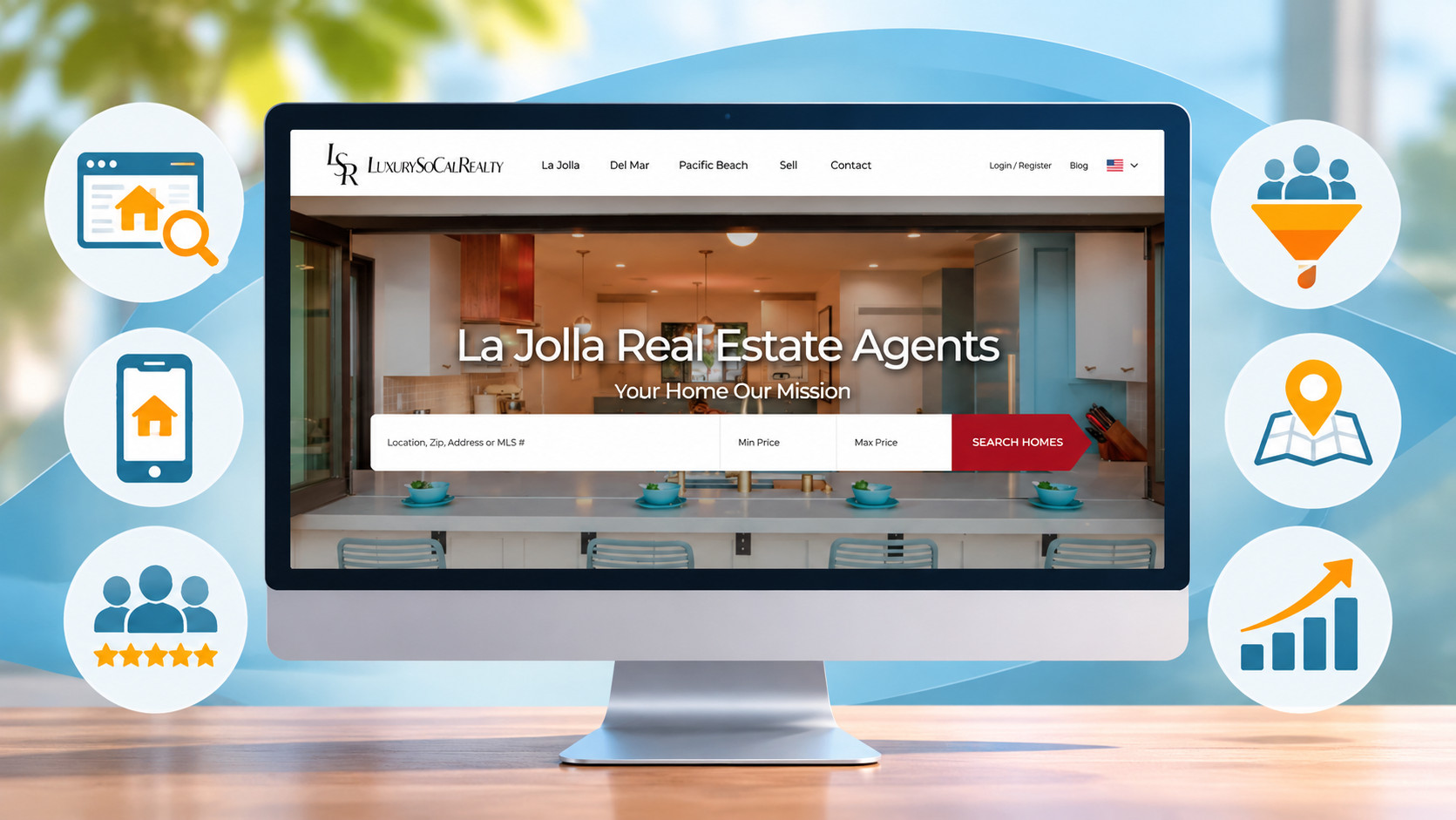
Most visitors arrive to look at homes. Put the property search at the top of the homepage, above the fold, with the filters buyers use most: location, price, beds, baths, and property type. Don’t hide search behind a menu or below your bio.
Search should look and work like the portals buyers already use. If yours feels slower or clunkier, they’ll leave for one that doesn’t. For the full list of capabilities behind good search, see the features a high-converting IDX site needs.
2. Give every page one obvious next step
Every page should answer, “What should I do now?” On a listing page, that might be “Schedule a showing” or “Save this home.” On a community page, it might be “Get new listings in this neighborhood.” On the homepage, it’s usually search, plus a home-valuation offer for sellers.
Use one primary call to action per section, placed where attention naturally lands. Ten competing buttons are no better than none.
3. Earn trust fast
Visitors decide quickly whether you’re the local expert or just another website. Design cues that build trust:
- Real photography of you, your team, and your market (not generic stock)
- Testimonials and reviews placed near the calls to action
- Local proof, such as market updates, neighborhood guides, and recent activity
- Clear contact details and brokerage information on every page
4. Time the registration ask
Registration is where an anonymous visitor becomes a lead, and design decides how that feels. A registration prompt that appears too early feels like a paywall and sends people back to the portals. One that never appears captures nothing.
The balance most sites aim for is to let visitors search and browse freely first, then ask for contact details when they want something more: saving a search, getting alerts, or viewing additional listings or photos. Whatever you choose, make sure registrations flow straight into your CRM so follow-up starts immediately. Treat the timing as something to test and adjust, not something you set once and forget.
5. Design for the phone first
Many buyers browse listings on their phones, often in short bursts. A design that works on a desktop monitor but feels cramped on a phone loses leads before any other principle matters. On mobile, check that:
- Search and filters are easy to use with a thumb
- Photos load quickly and swipe smoothly
- Calls to action stay visible without covering content
- Forms ask for as little as possible
Page speed matters too. A slow page frustrates visitors, and site speed is something search engines pay attention to.
6. Lay out community and listing pages to answer questions
Community pages and listing pages are where serious buyers spend their time, so their layout matters as much as the homepage. A strong community page leads with what that neighborhood is like, shows current listings for that area, and adds local detail: schools, amenities, and market trends. A strong listing page leads with photos and key facts, then makes the next step obvious.
The content strategy behind these pages is its own topic. For that, see our guide to building neighborhood pages that rank.
7. Give sellers their own path
Buyers aren’t your only visitors. Homeowners curious about their home’s value are some of the most valuable leads a site can capture, and they won’t use a property search. Give them a clear, separate path: a home-valuation tool, a “selling with us” page, and calls to action written for sellers.
8. Build in accessibility
An accessible site works for more people, including visitors using screen readers or keyboard navigation and anyone reading on a small screen in bright sunlight. The basics: enough color contrast to read text easily, descriptive alt text on images, form fields with clear labels, and readable font sizes. The Web Content Accessibility Guidelines (WCAG) are the widely used reference for this.
9. Let the brand support the experience, not compete with it
Your brand should be clear: logo, colors, and voice that match how you present yourself everywhere else. But brand elements should frame the search and the calls to action, not crowd them out. A luxury brokerage and a high-volume buyer’s team will look very different, and both can still keep search and lead capture front and center.
Should you use a template or a custom design?
For most agents and teams, a well-built template on a real-estate-specific platform is the faster path to a site that converts. The layout patterns above are already built in, and you customize branding, content, and pages on top. Custom design makes sense when your brand needs something a template can’t deliver, and it comes with more cost and time.
Sierra, for example, offers five website templates (Pro, Ace, Pinnacle, Exec, and Luxury), each designed around a lead generation focus, with custom design available as a paid service. Its Luxury site is a brand-first design for luxury real estate, and its Pinnacle site is built for both listing and buyer’s agents. For fully custom builds, Sierra also works with design partners such as Real Estate Site Designers. If you’re weighing a general website builder instead, our comparison of WordPress with an IDX plugin vs. a purpose-built platform covers the trade-offs.
What do well-designed real estate websites look like in practice?
The seven teams below run their websites on Sierra Interactive, from boutique brokerages to large teams. Each example links to that team’s case study, so you can read what they did and what they reported. Results reflect each case study at the time it was published.
1. Springs Houses Online Realty
Market: Colorado Springs, Colorado
Broker Eric Richards switched to Sierra for its SEO-focused websites and lead management. He credited the change in presentation as much as the technology: “Content is presented better, from pictures to layout.” In the 2022 case study, he reported that “we saw conversion rates jump to 13-14%.” What it shows: principles 1 and 3, with listings and photos presented in a way that earns trust and registrations.
Read the case study: how Springs Houses Online Realty lowered its cost per close.
2. Cain Realty
Market: Greater Austin, Texas
Ricky Cain’s Cain Realty Group runs a highly customized Sierra site paired with Sierra-managed Google PPC. In the 2022 case study, Cain reported that “we generated almost 700 seller leads from our Google PPC campaign.” What it shows: principle 7, giving sellers their own path so paid traffic lands on pages built to capture listing leads.
Read the case study: how Cain Realty generated 700 seller leads.
3. Homes for Sale Team
Market: Atlanta metro, Georgia
Lorraine Danielson’s team uses a no-code Sierra template with a built-in content management system. Her site leads with a home valuation offer and local community content. In the case study, the team described the SEO side this way: “Our indexing is better. Our SEO is performing, without requiring us to be experts in SEO.” What it shows: principles 6 and 7, with community content and a seller path working together.
Read the case study: how an Atlanta team nearly tripled its quality leads.
4. Novak Team
Market: Snohomish County, Washington
Mike Novak’s team, part of REAL brokerage, uses Sierra as the center of its lead conversion. As Novak puts it, Sierra is “the hub… where that lead is actually converted and managed.” What it shows: principle 4, where every registration flows straight into follow-up.
Read the case study: the Novak Team’s story.
5. Crest Point Real Estate
Market: Indianapolis, Indiana
Patrick Keller’s team runs a Sierra IDX website with SEO, landing pages, and a blog, backed by automated follow-up. In the case study, Keller reported, “Our most popular action plan has over a 50% response rate.” What it shows: principles 2 and 4, with clear next steps on each page and fast follow-up after someone registers.
Read the case study: Crest Point Real Estate’s lead generation results.
6. Oldfather Group
Market: Coastal Delaware, Maryland, and Pennsylvania
Dustin Oldfather’s 60+ person team chose Sierra’s Ace template, which the case study describes as “specifically built with organic SEO in mind.” The site gives sellers a prominent “What Is Your Home Worth?” offer. In the 2023 case study, Oldfather reported “a 2,000% increase in the number of users on our site, with the largest source being organic traffic.” What it shows: a template doing the heavy lifting on SEO while the brand and seller path sit on top.
Read the case study: the Oldfather Group’s SEO case study.
7. Joy Aumann
Market: Luxury real estate
Joy Aumann’s Sierra site shows that a brand-first luxury design can still be built to be found: a $47M buyer found her through her Sierra Interactive website. What it shows: principle 9, a luxury brand that frames the experience without hiding search and lead capture.
Read the case study: how a $47M buyer found Joy Aumann through her Sierra site.
What should you check before launching a redesign?
A redesign can quietly undo rankings and lead flow if the basics aren’t checked. Before you go live, test search on mobile, submit a test registration to confirm it lands in your CRM, verify page speed on real devices, and map redirects from any old URLs so existing rankings carry over. Our pre-launch website checklist covers each step.
Frequently asked questions about real estate website design
What should a real estate website homepage include?
A real estate website homepage should include a prominent property search, a clear call to action for buyers and a separate one for sellers, trust signals such as testimonials and real photography, and links to your key community pages. Contact and brokerage information should be easy to find.
When should a real estate website ask visitors to register?
Most sites let visitors search and browse freely first, then ask for contact details when the visitor wants something more, such as saving a search, getting listing alerts, or viewing additional listings. Asking too early drives visitors away, and never asking captures nothing, so test the timing.
Is a template or custom design better for a real estate website?
For most agents and teams, a template on a real-estate-specific platform is faster and already follows proven layout patterns. Custom design makes sense when your brand needs something a template can’t deliver, and it typically costs more and takes longer.
How does website design affect real estate SEO?
Design affects SEO through page speed, mobile usability, and how easily search engines can crawl your pages. A clean layout with clear headings and fast-loading pages helps both visitors and search engines understand your content.
What makes a boutique real estate website design stand out?
A boutique real estate website stands out with a distinct brand voice, original photography, and deep local content, while still keeping property search and lead capture easy to find. The brand should frame the search experience, not compete with it.
Author

Related Posts

Real Estate Website
The Best IDX Website Platforms for Real Estate...

Real Estate Website
Real Estate Community Pages: How to Build Neighborhood...

Real Estate Website
SEO for Real Estate Websites: How to Rank...

Real Estate Website